Connectors and tools: dGENIX works with the apps you already use
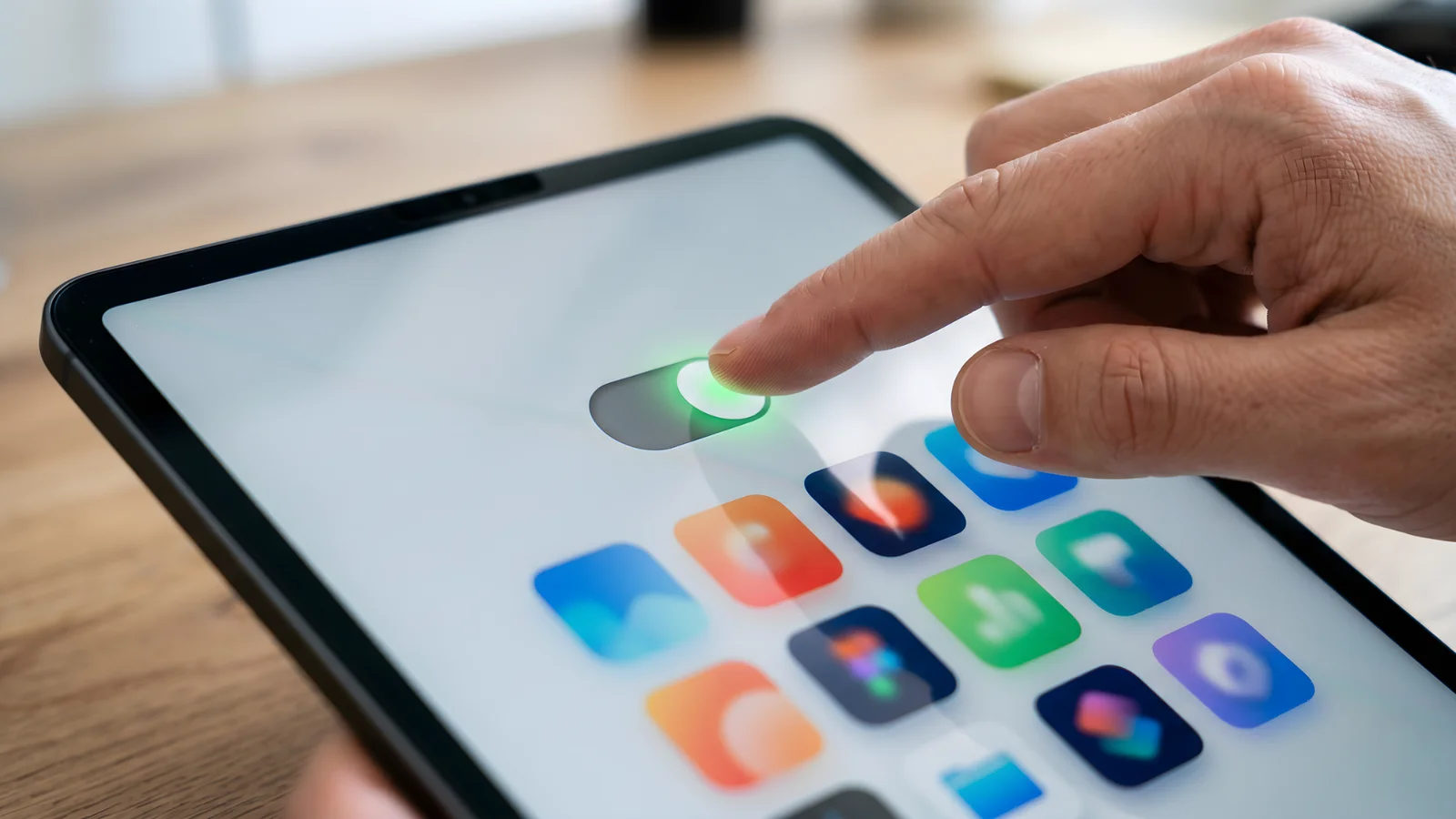
Connect Gmail, Slack, Notion, HubSpot and more in one click. GENI works on your own account, you stay in control.
New to this topic? Start with What Is dGENIX? The Complete Guide to the Agentic AI Platform
An AI assistant that knows nothing about you and cannot reach anything stays a smart chat box. What makes dGENIX different is that GENI connects to the tools you already work in. Through connectors your assistant gains access to your own data and services, so it takes real work off your plate instead of giving loose advice. This article explains what connectors are, how you connect them safely, what the Model Context Protocol (MCP) adds, and how a connection turns into results.
What is a connector?
A connector gives GENI access to an external tool on your own account. You connect in one click via OAuth, exactly like the "sign in with Google" flow you know. From that moment GENI can perform actions in that tool on your behalf, within the permissions you have granted.
The direct connectors include the full Google suite (Gmail, Calendar, Drive, Sheets, Docs), plus Slack, Notion, HubSpot, Stripe, LinkedIn, WhatsApp Business, Instagram, Airtable, Typeform, Calendly and more. You will find the full overview on the integrations page.
You stay in control
Trust starts with control. GENI works on your account, with your permissions, and never on a shared key. In your dashboard you see which connections are active and you revoke them at any time. Costly or irreversible actions ask for confirmation first, so nothing unwanted happens.
Everything is GDPR-first and strictly private. dGENIX is built in Europe, uses only functional cookies and places no tracking or advertising cookies. Your data stays yours, and GENI uses it only to do your work.
From connection to result
A connector on its own is a door; the skills do the work behind it. That distinction matters. The connection grants access, the skill decides what happens with that access.
- Connect Gmail and the email skill reads your inbox, categorises messages, drafts replies and handles routine.
- Connect Google Calendar and GENI schedules appointments, delivers your daily plan and sends reminders.
- Connect HubSpot and your pipeline updates automatically as you follow up leads.
- Connect Slack or Notion and GENI shares updates or captures knowledge where your team works.
The real payoff is in stacking. A single connection is handy, but a workflow that runs across multiple tools (from a Typeform submission, to a lead in HubSpot, to a message in Slack) is what saves you hours a week.
Hundreds of tools via MCP
Beyond the direct connectors, dGENIX is adding support for the Model Context Protocol (MCP): the open standard that connects your assistant to hundreds of external tools. Where traditional integrations have to be built one by one, MCP offers a common language through which tools present themselves to your assistant.
The nice part is that connecting still feels the same: you link your own account in one click, exactly like Gmail, and you stay in control. Want to understand the technology behind it? Read What is MCP. MCP support rolls out in phases; your current skills and connections keep working as usual.
Which tools should I connect first?
Start with the tools you sit in every day. For most people that is email and calendar; those two alone bring immediate relief because GENI can take over your inbox and planning. If you work in sales, your CRM (HubSpot) is the logical next step. If your work revolves around content or community, Slack, Notion, LinkedIn or Instagram are valuable. Do not connect everything at once, but expand as your workflows grow.
What a connection is not allowed to do
Let us be precise about the boundary, because that is the question everyone rightly asks before connecting their mail.
Permissions are as narrow as possible. A connection requests only what the skill needs. The Gmail connection can read and send; it cannot change your account settings and cannot see your password.
Nothing runs in the background. GENI fetches data when you ask something that requires it. There is no process combing through your inbox while you ask nothing.
Anything going outward asks first. Emails get staged as drafts, articles published as drafts, and expensive or irreversible actions show what they cost before they start.
Disconnecting works immediately. One click under Connectors and access is gone. What was created earlier stays in that system, because disconnecting stops access and does not roll actions back.
When a connection stops working
It happens, and almost always for one of these reasons.
The permission expired or was revoked, often after a password change or enabling two-step verification. The permissions were extended after you connected, so your existing connection lacks a new capability. Or the service itself is briefly down.
In the first two cases the fix is the same: disconnect and reconnect, a minute of work. If a connection starts behaving oddly, do that before investigating further; it resolves the majority.
Frequently asked questions
Is it safe to connect my accounts? Yes. Connecting happens via OAuth on your own account, you always see which connections are active and you revoke them in one click. GENI never runs on a shared key.
Can GENI just send or delete things? No. Costly or irreversible actions ask for your confirmation first.
What if a tool I use is not available yet? Through MCP and new connectors the range keeps growing. If something is missing, let us know and we will look into it.
Getting started
Connect the tools you work in every day and activate the matching skills. Want the bigger picture? Read the pillar What is dGENIX or see how it works.