What Is MCP (Model Context Protocol)?
MCP is an open standard that lets AI assistants talk to your tools through one common interface, the USB-C of AI. Here is what it is, why it matters, and how dGENIX uses it.
New to this topic? Start with Connect Your Own Tools: Connectors and MCP in dGENIX
What is MCP?
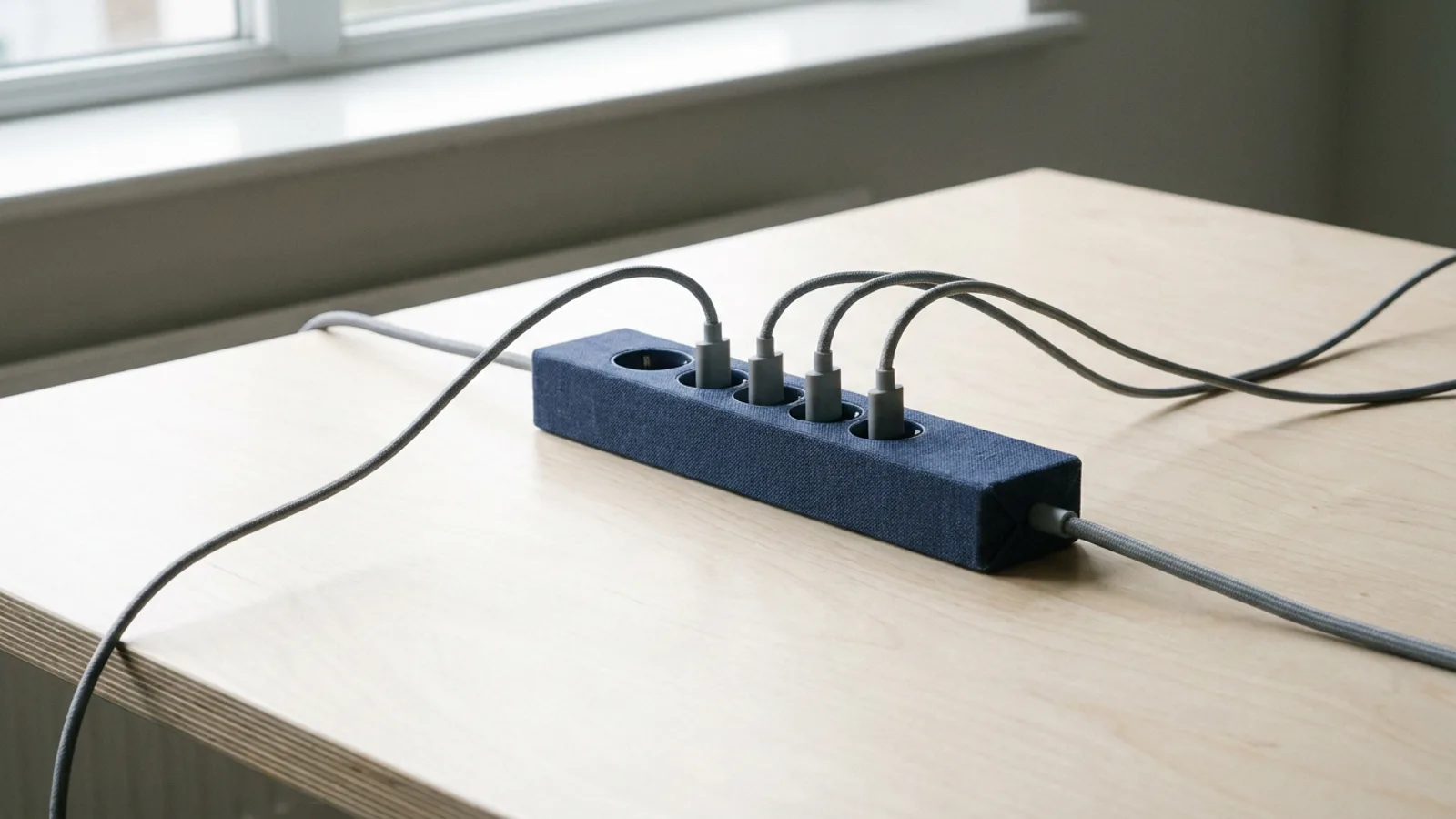
MCP (Model Context Protocol) is an open standard that lets an AI assistant connect to external tools through one shared interface. Instead of a bespoke integration per app, a tool exposes an MCP server, and any MCP-aware assistant can use it. Think of it as USB-C for AI: one connector that fits everywhere, instead of a drawer full of proprietary cables.
Before MCP, every AI-to-tool connection was custom and fragile. MCP standardises it, and that is why the ecosystem is growing so fast.
The problem it solves
To see why this matters, look at what came before.
If an AI platform wanted to connect to fifty tools, it built fifty integrations. Each with its own authentication, its own data model, its own error handling. And every time one of those fifty tools changed something, something broke.
That is a multiplication: vendors times tools. Ten AI platforms each supporting fifty tools build five hundred integrations between them that largely do the same thing.
With a shared standard that becomes an addition. The tool builds one server, each platform builds one client, and they work together. That is exactly what happened with USB, and with HTTP before it.
Why MCP matters
- One standard, many tools. As more services expose an MCP server, your assistant can plug into them without bespoke work each time.
- The ecosystem compounds. Every new MCP server is immediately usable by every MCP-aware assistant.
- You keep control. A tool runs on your own account and credentials, so ownership and cost visibility stay with you.
- Future-proof. Building on an open standard means you are not locked into one vendor's closed integration set.
That last point is the most valuable one for a business. The question behind every vendor choice is: how expensive is it to leave. With proprietary integrations, switching means having everything rebuilt. With an open standard, the connection largely moves with you.
How MCP works
The pattern is simple:
- A tool (a database, a SaaS app, a knowledge source) runs an MCP server that exposes its capabilities as tools.
- An AI assistant acts as an MCP client and discovers those tools.
- When you ask the assistant something, it calls the right tool through the protocol and uses the result.
Because it is a shared protocol, the same assistant can talk to dozens of tools in the same way.
The word that matters most in that list is discovers. The assistant is not handed a fixed list of what it can do; it asks the server. If the tool adds a capability tomorrow, your assistant sees it without anything changing on its side.
What it is not
Three misconceptions that come up often.
MCP is not an AI model. The protocol does not think and does not decide. It is the plumbing an assistant reaches tools through, nothing more.
MCP does not make a tool smart by itself. What a connector can do is decided by the service exposing the server. If it only offers reading, no assistant can change anything in there, however good it is.
MCP is not a security model. The protocol governs how things talk, not who may do what. That boundary you set when connecting, and at the platform running the calls.
MCP and security
Connecting a tool does not mean handing it over. A well-built MCP integration keeps the safeguards in place:
- An admin-curated catalogue, so you connect to vetted servers, not arbitrary endpoints.
- Your own credentials, so calls run on your account.
- Confirmation on destructive actions and full audit logging.
- HTTPS only, with timeouts and payload limits.
The reason that catalogue is curated rather than open is precisely the flip side of an open standard: anyone can build a server, including someone with bad intentions. An assistant that talks to any server you name is an assistant you can mislead with one wrong URL.
What you notice when it works
The good thing about a solid protocol is that you do not see it. You notice it by absence: no export files, no intermediate step where you retype something, no waiting for someone to build an integration.
Concretely: you ask your assistant about the status of a project and it pulls the data from the system that project lives in, even if that system was not connected yesterday. What used to be a vendor request with a lead time of months becomes a matter of activating.
That is the promise. The reality in 2026 is that the supply is still growing and not every tool has a server yet. But the direction is clear, and the number rises each quarter.
Who this is relevant for
If you are a user of an AI platform, you notice nothing of MCP itself, and that is as it should be. You see a connector you activate and connect, like any other. The difference shows in the pace at which connections appear.
If you are a software vendor, it is a strategic question. Exposing an MCP server means every AI assistant can work with your product without you building anything per platform. That is the same trade-off as offering a public API used to be.
How dGENIX uses MCP
dGENIX connects GENI to your tools in two ways. First, live connectors via secure OAuth: Gmail, Calendar, Drive, Slack, Notion, HubSpot, LinkedIn and more, with Microsoft 365 on the way. Second, MCP, the open standard that grows the connector ecosystem, with your own account and credits and the platform's safeguards on every call.
Both work the same way for you: activate in the marketplace, connect, done. Read the practical guide in Connectors and MCP in dGENIX.