Connect Your Own Tools: Connectors and MCP in dGENIX
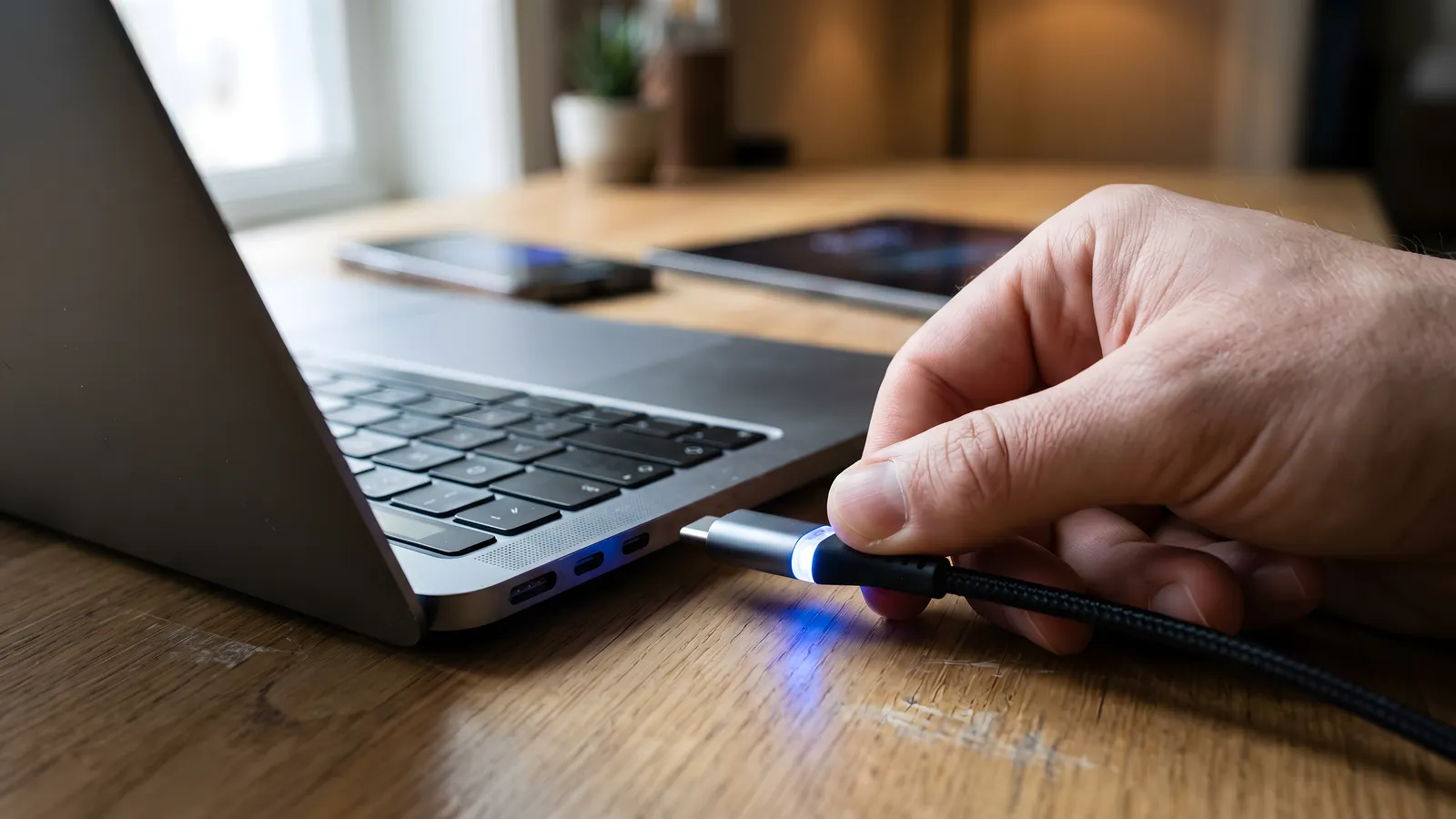
dGENIX works with the tools you already use. You link your own account, GENI acts on your behalf, and MCP opens the door to a growing ecosystem, all under your control.
Why connections matter
An AI assistant is only useful when it can reach the tools where your work actually happens. dGENIX connects GENI to your own accounts, so it acts in your inbox, your calendar, your CRM and your documents, not in a closed environment.
The rule is simple: you connect your own account, GENI acts on your behalf, and you keep control. You can disconnect any tool at any moment.
Skill and connector are two things
This distinction causes most of the confusion during setup, so it is worth having it sharp.
A skill is what GENI can do. A connector is the access it needs to do it. You activate the Gmail skill in the marketplace, and you connect your Google account under Connectors. Do only the first and GENI knows the actions but has no mailbox to perform them on.
Some skills need no connector at all. The Daily Planner, the Document Reader and most writing skills work straight after activation. Others are pointless without a connection.
Live connectors
dGENIX connects through secure OAuth. You click connect, approve on the provider's own consent screen, and the skill activates. Your tokens are encrypted.
- Google, Gmail, Calendar, Drive, Sheets, Docs, Analytics, Search Console, Business Profile, Tasks, YouTube
- Communication, Slack, Telegram, WhatsApp Business, Instagram DM
- CRM and productivity, HubSpot, Notion, Airtable, Typeform, Calendly
- Professional, LinkedIn
- CMS, WordPress and Webflow through the CMS Publisher, more systems through the Authority Engine
Microsoft 365 and Canva sit in the marketplace with a Coming soon label; those await approval at Microsoft and Canva respectively.
Every connector belongs to a skill. You activate only what you need. See the full list on the integrations page.
Why OAuth and not a password
With OAuth you never give your password to dGENIX. You log in at Google or Slack itself, see exactly which permissions are requested, and approve. What dGENIX receives back is a token covering only those permissions.
That has three practical consequences. Changing your password does not affect the connection. You can revoke access at the provider without logging in with us. And if you are unsure what a connection may do, that is on the consent screen, not in our documentation.
What is MCP?
MCP is the Model Context Protocol, an open standard that lets an AI assistant talk to external tools through one common interface. Think of it as a universal adapter: instead of a bespoke integration per app, a tool exposes an MCP server, and any MCP-aware assistant can use it.
For dGENIX this means the connector ecosystem keeps growing without bespoke work per tool. As more services expose an MCP server, GENI can plug into them. More background in What is MCP.
How MCP works in dGENIX
- Admin-curated catalogue, you connect to vetted MCP servers, not arbitrary endpoints
- Your own account and credits, an MCP tool runs on your connection, so control and cost visibility stay with you
- The same safeguards, MCP tools inherit the platform's confirmation prompts, credit checks and audit logging
- HTTPS only, with tight timeouts and a payload cap
For you an MCP connector works exactly like any other: activate, connect, use. The difference sits on our side, and you notice it in the pace at which connections appear.
Your data stays yours
Connecting a tool does not mean handing it over. Tokens are encrypted, access is limited to what the skill needs, and destructive actions ask for confirmation. dGENIX is built GDPR-first in Europe.
What that means concretely: GENI does not read along in the background. It fetches data when you ask something that requires it, and uses it for that answer. No process is indexing your inbox while you ask nothing.
What a connection does not do
Three things often assumed that are not true.
A connection does not give full access. Permissions are kept as narrow as possible per skill. The Gmail connection can read and send, but not change your account settings.
A connection does not act outwardly on its own. Anything that sends, publishes or deletes asks for confirmation first. Emails are staged as drafts, articles published as drafts.
Disconnecting does not undo anything. What GENI created earlier stays in that system. Disconnecting stops access, it does not roll the actions back.
When a connection stops working
It happens, and usually for one of three reasons.
The permission expired or was revoked. Some providers expire a connection over time, and a password reset or enabling two-step verification can end it too. The fix is the same: disconnect and reconnect.
The permissions were extended. If you connected YouTube before the analytics scope was added, your existing connection does not have it. Reconnecting picks it up.
The service itself is down. GENI then reports it cannot reach it. Nothing to do on our side, and an outage at a large provider is usually over within the hour.
The rule of thumb: if a connection starts behaving oddly, disconnect and reconnect before you investigate further. That resolves the majority.
Getting started
- Open Connectors in your dashboard
- Connect the tools you use most
- Activate the matching skills
- Ask GENI something spanning several tools, for example read my inbox and put every meeting request in my calendar
Start with two connections, not ten. Mail and calendar cover most of the daily work for most people, and with those two you immediately see where the gain from combining sits.
Start free or browse all skills.