From one product photo to ten lifestyle shots, made by your assistant
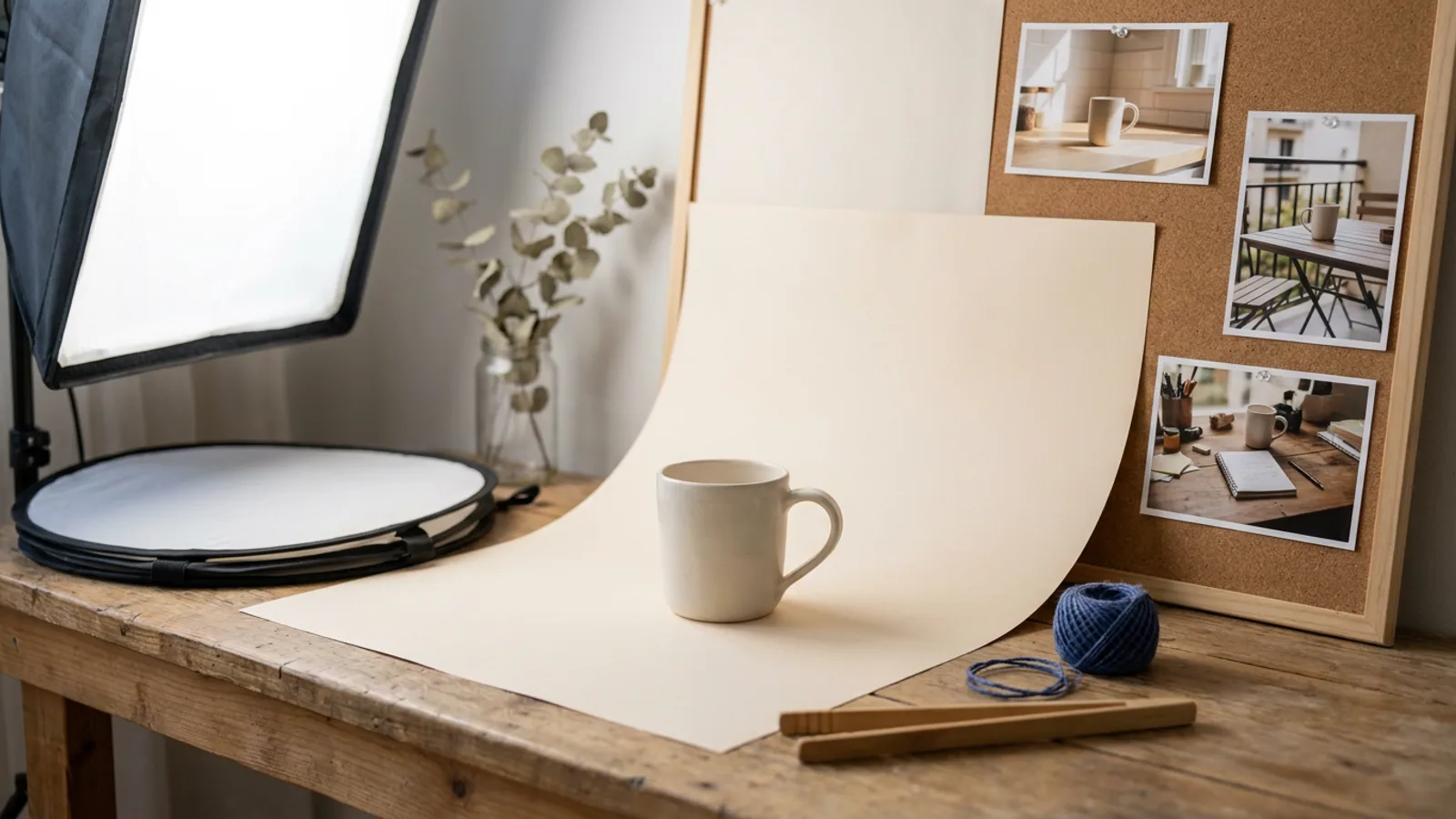
One good product photo, and GENI turns it into lifestyle images for your webshop, socials and newsletter. How to write the instruction, keep the product recognisable and check the result.
New to this topic? Start with Content marketing for busy founders: from one video to a week of posts
The short answer
Give GENI one good photo of your product and describe the atmosphere you want: a kitchen counter in the morning, a workbench, a beach. GENI uses an image model to create new images with your product in that setting. You use the photo as a reference, so the product stays recognisable. Check every image for shape, colour and text on the product before you use it. That way you get in one afternoon the images you would otherwise need a photo shoot for.
Why lifestyle images
A product photo on white is needed for your webshop, but sells poorly on social media. People want to see how the product fits into their life: the mug on a breakfast table, the backpack on a mountain path, the tool on a building site. Those lifestyle images normally require a shoot with a location, styling and a photographer.
With image generation you make them yourself, from a photo you already have.
What you need
- A sharp product photo. Ideally on a calm background, well lit, from the front or slightly angled. The better the source, the better the result.
- An idea for the setting. Where is your product used, by whom, at what time of day?
- The image skills in dGENIX. The image generation skill uses models that are good at editing with a reference photo. If you want more choice of models, connect dGEN Visual Studio.
How to write the instruction
A vague instruction gives a vague image. A good instruction names five things:
| Part | Example |
|---|---|
| The product | "this ceramic mug, exactly as in the photo" |
| The place | "on an oak kitchen table next to a window" |
| The moment and light | "early morning, soft sunlight from the left" |
| What else is there | "a plate with a croissant and an open newspaper, out of focus" |
| The camera | "from slightly above, shallow depth of field, the mug sharp" |
Together:
"Create a lifestyle image with this ceramic mug, exactly as in the photo. It stands on an oak kitchen table next to a window, early morning with soft sunlight from the left. In the background a plate with a croissant and an open newspaper, out of focus. From slightly above, the mug sharp. Format 4:5 for Instagram."
Keeping the product recognisable
The biggest pitfall: the model changes your product slightly. A different colour, a different handle, a logo that is just off. Three ways to prevent that:
- Always send the photo as a reference, and say the product must stay exactly the same.
- Do not ask for text on the product. Image models often get text wrong. Add your logo afterwards, in your own editor.
- Make several variants and pick the best. Out of four images, one is usually right.
Checking before you post
Look at every image at full size before it goes online. Check:
- Are the shape and colour of the product right?
- Is there no wrong text or logo on it?
- Are hands, if any are in the shot, natural?
- Does the setting fit your brand?
An image that is almost right, you make again. A customer who sees the product differently at home than in the photo is a customer who sends it back.
A series in one go
Do you have ten products and want three lifestyle images for each? Have GENI make a series:
"For each of these ten product photos, make three lifestyle images: one in a kitchen, one outside on a terrace and one at a workplace. Same light and style for all thirty."
That gives you a consistent set for your webshop and socials. How to spread those images across your channels afterwards is covered in images on autopilot.
What to disclose
You may use lifestyle images made with AI, but be open when an image shows a situation that did not really happen, especially in ads. Also do not show real people who were not in it. More on using AI images responsibly is in the best AI tools for content creation.
What it costs
Creating an image is a medium to heavy task, depending on the model. Ten lifestyle images fit in any paid plan, a series of thirty needs more. How credits work is explained in credits in dGENIX explained.
Images in your content plan
Separate images deliver little if they go online unplanned. Have GENI put the lifestyle images straight into a schedule: which photo on which day, for which channel, with which text. The AI Content engine helps you make that schedule and link your images to the topics you want to show that month. That way one afternoon of making images gives you a month of posts ready to go.
Use the same lifestyle images on your product pages too. A page with a product photo on white and a few lifestyle shots shows the customer how the product is really used, and that helps them choose.
Frequently asked questions
Can I also have a video made of my product?
Through the connection with dGEN Visual Studio, GENI can also create short videos from a product image.
Who owns the images?
You use the images you make for your own business. Check the model's terms if you want to use them for something special, such as large print runs.
Can I record a fixed style for all my images?
Yes. Write down your style once in your knowledge document, with light, colours and atmosphere. GENI uses it for every instruction.
Where do I start?
dGENIX is in early access. Join the waitlist, or first read creating content as a business owner without time.