Your business details the same everywhere: why NAP matters so much locally
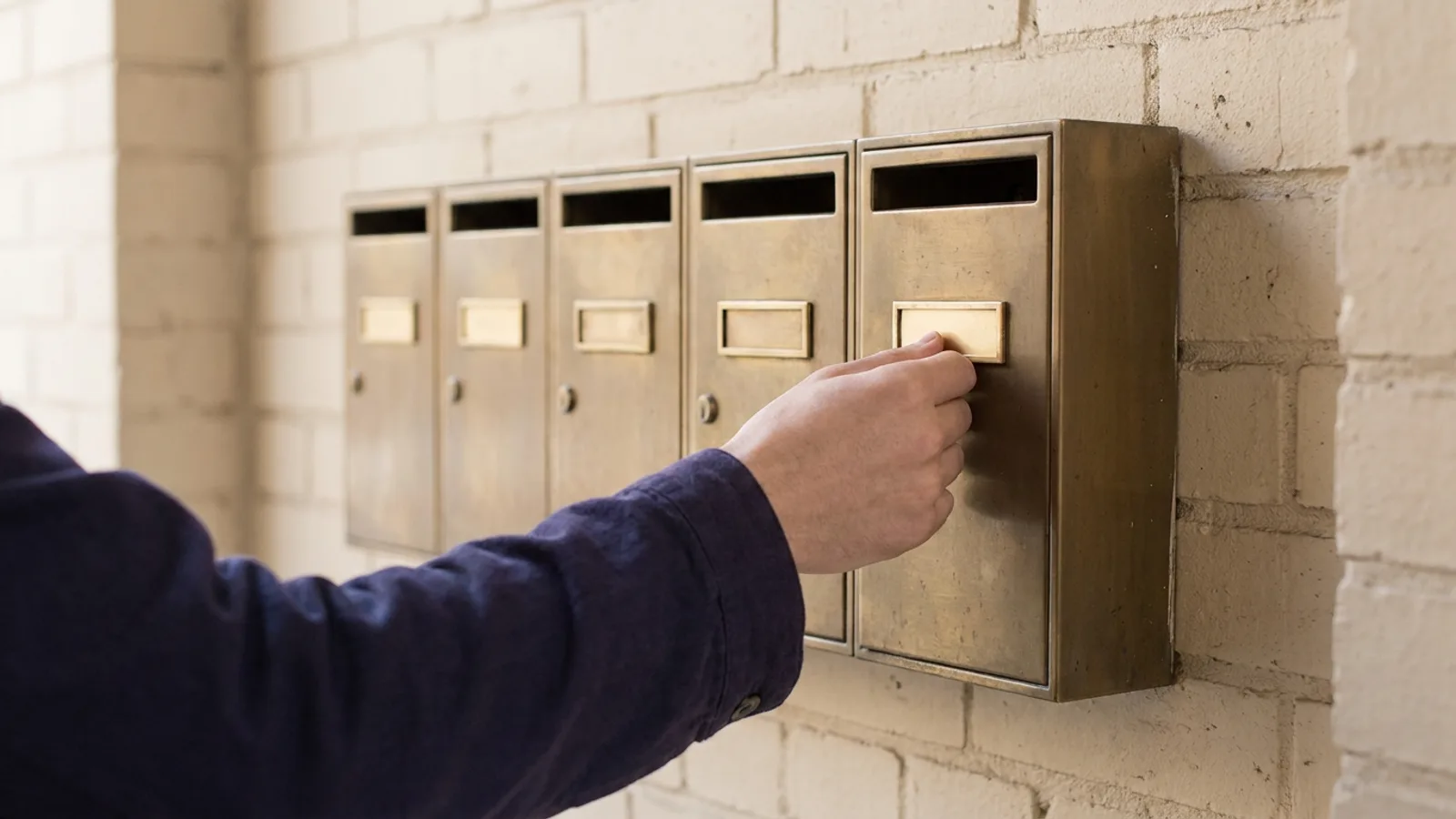
Name, address and phone number look like a detail. For Google and AI search engines they are the proof that your business exists and where it is. If they differ everywhere, those systems start to doubt.
New to this topic? Start with How to get found locally in the Netherlands: the complete guide
What NAP is and why it matters
NAP stands for name, address and phone number. They are the three details a search engine uses to recognise a business as one and the same business, whichever website mentions it.
Google does not build a local result from your own website alone. It also looks at your Google Business Profile, at business directories, at review sites, at mentions in local news. If your business appears everywhere with the same details, the picture adds up. If it appears in three places with three different phone numbers, Google has to guess which one is right.
AI search engines work the same way. When someone asks which business in their area does something, the assistant needs to be sure that the mentions it finds are about the same business. Contradicting details make you less reliable as an answer.
Where it usually goes wrong
Almost nobody puts wrong details online on purpose. It creeps in, year after year:
- A move. The new address is on your site and in your profile, but four directories still show the old one.
- A different phone number. From landline to mobile, or a separate number for a campaign.
- Variations in the name. "Van Dijk Installation", "Van Dijk Installations Ltd" and "Installation company Van Dijk" are the same business to a person. Not automatically to a system that links mentions together.
- How the address is written. "12a Church Street", "12-A Church Street" and "12 A Church St." Small differences, but there are three of them.
- Old listings you forgot about. A profile on a platform you once created and never visited again.
Choose one version and lock it in
Before you change anything, decide how it should be. Write down the official version and use only that from now on.
| Detail | Choose | Watch out |
|---|---|---|
| Name | The name customers know you by | Do not add keywords that are not part of your name |
| Address | Exactly as it appears on your mail | One way of writing additions such as "a" |
| Phone | The number that always gets answered | One format, for example 040 123 4567 |
| Website | The main version of your domain | With or without www, but the same everywhere |
That first row deserves an explanation. It is tempting to put "Van Dijk Installation Heat Pumps Eindhoven" as the name in your profile. Google does not allow it, and it can even get your profile suspended. Your name is your name.
Check the places that weigh most first
You do not need to search the whole internet. Start with the sources a search engine values most:
- Your Google Business Profile. This is the most important one. Check category and opening hours too.
- Your own website. In the footer, on the contact page and in your site's structured data.
- Your chamber of commerce registration. Other sources often copy their details from it.
- The major map and navigation services. Where people look up your address to drive there.
- Industry directories and review platforms used in your trade.
Then search for your business name and your phone number. Whatever turns up on the first two pages is what a search engine sees as well.
Do not forget your own website
On your website you can go a step beyond text. With structured data, a piece of code following the LocalBusiness standard from schema.org, you literally tell search engines: this is the name, this is the address, this is the phone number, these are the opening hours.
That removes the guesswork completely. A search engine or AI crawler does not have to read your details from the footer, they are there in a form that leaves no doubt. Make sure those details match your business profile exactly.
How to keep it up
NAP is not a job that is ever finished. A directory copies old details, someone creates a duplicate profile, you change numbers. A short check twice a year stops it from drifting apart again.
Keep a list of every place your business is listed, with login details where you have them. When you change something, go through that list. It takes an hour and saves months of doubt.
How dGENIX helps
With the Google Business Profile skill, GENI checks your address, phone and category for anything that is no longer right, and sets your opening hours correctly for public holidays. You do not have to open Google's dashboard.
The GEO Engine includes a local check that shows, for any business, the rating, the number of reviews, the category and the status of the profile. It works for your competitors too, so you can see where you stand.
To see how this fits with the rest of your local visibility, read getting found locally in the Netherlands. And how Google decides who ranks at the top of the map is covered in Google Maps ranking factors.
Frequently asked questions
What if I do not have a fixed business address?
If you work from home and visit customers, you can hide your address in your Google Business Profile and set a service area instead. Then use the same name and phone number everywhere, and do not list your address in places where you hide it in your profile.
How quickly will I see results from consistent details?
It varies by source. Your own website and your Google profile update immediately, but directories and other platforms process changes at their own pace. Count on weeks, not days.
Should I delete old profiles or update them?
Update them where you can, delete them if it is a duplicate profile. A second profile for the same business splits your reviews and makes the picture less clear.