FLUX Beeldgeneratie
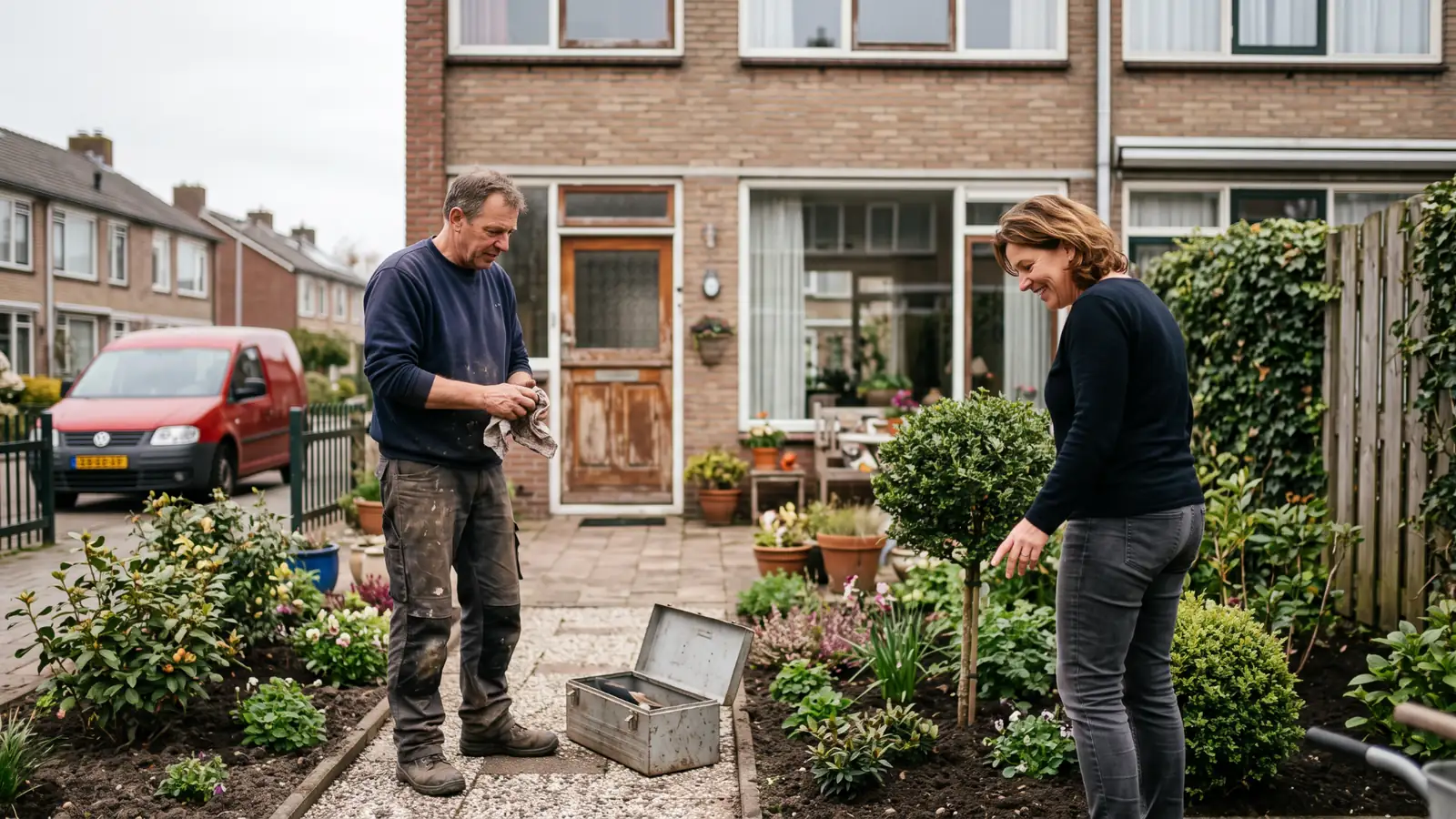
Describe the image you need and GENI delivers it, photorealistic. Already have a photo? GENI edits it without wrecking the composition. No shoot to schedule, no stock photo that looks like stock.
How it works
Up and running in three steps
From account to your first task. Nothing to install, nothing to configure that you did not choose yourself.
Create your account
Sign up for dGENIX and your assistant is ready. You work in the browser, on your phone or through Telegram.
Switch the skill on
This skill comes with the Growth+ plan. Switch it on under Skills in your dashboard and it is active right away.
Just ask GENI
Type or say what you need in plain language. For example:
“Make a photorealistic shot of my coffee bar in morning light, landscape for a banner.”
Growth+: Available from the Growth plan (€69/mo). Compare plans →
Good to know: Works straight from the chat, nothing to connect. Pick from five aspect ratios and up to four images per request. Editing an existing photo works with JPEG, PNG and WebP. The four models range from a fast sketch to maximum quality; the heavier ones cost more credits per image.
Actions
Everything GENI does with FLUX Beeldgeneratie
Describe what you need in plain language. GENI picks the right action itself.
6 actions
An image from a description
Say what you have in mind, lighting and mood included, and you get it back as a photo.
Four versions side by side
Ask for several variants in one go and pick the version that works best.
Edit an existing photo
Hand over an image and say what needs to change. The rest of the composition stays put.
The right format right away
Landscape for a banner, vertical for a reel or square for a post, you just ask for it.
Sketch fast
Just checking whether an idea works? The fastest model returns a test image within seconds.
Quality that holds up in print
For material a client will actually see, switch to the heaviest model.
Workflows
Stronger together with your other skills
GENI links this skill to your other skills and runs the whole thing on a schedule. A few examples, the possibilities are endless:
Article and image in one round
Fresh social every week
A proposal that looks expensive
More skills